AI Art


AI Futa
Anime AI
How to Generate Anime Style Images with AI
Learn how to generate anime style images with AI as a complete beginner. Simple steps, prompt tips, and advice for using an AI Anime Image Generator and AI Animated Image Generator.


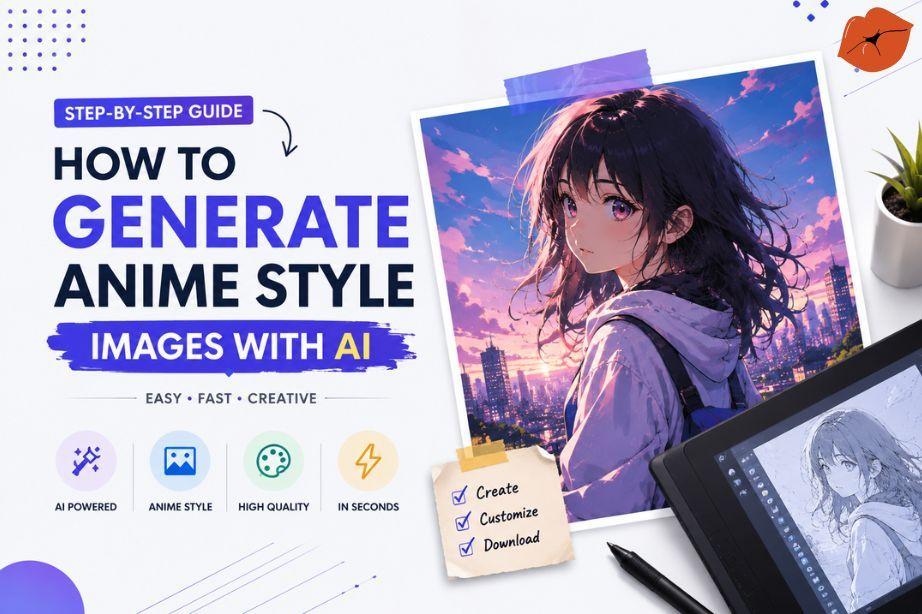
Creating anime-style pictures used to take years of practice. Now anyone can do it with a few typed words. If you have never tried AI before, this guide will show you exactly how to generate anime style images with AI in the simplest way possible. You will learn easy methods, useful tips, and how to get better results every time.
Why Anime AI Images Have Become So Popular
Fans love the bright colors, expressive faces, and unique character designs of anime. An AI anime image generator lets people create their own versions of these looks without learning to draw.
Many people use these images for stories, social media, or just for fun. The process feels quick and creative, which is why so many beginners start here.
Choosing the Right AI Anime Image Generator for Beginners
Look for a tool that understands simple English and gives clear results. The best ones for new users have easy buttons and free daily tries.
An AI animated image generator should work well with anime styles like soft shading, big eyes, and colorful hair. Test a couple of free options to see which one feels most comfortable.
Understanding Different Anime Art Styles Before You Generate Images
Anime is not one single look. Some styles are soft and cute. Others are sharp and dramatic.
Popular styles include shonen (action-focused), shojo (soft and romantic), and modern digital anime with clean lines. Knowing the style you want helps the AI create better pictures. You can simply write the style name in your description.
Simple Prompt Ideas That Create Better Anime Images
A prompt is just the text you type to describe the picture. Clear prompts work best.
Easy examples you can try:

“A young girl with long pink hair, big sparkling eyes, school uniform, soft pastel colors, anime style”
“Boy with spiky black hair, determined expression, standing in a city at night, detailed anime art”
Add words like “vibrant colors,” “clean lines,” or “studio quality” for stronger results.
Small Details That Make AI Anime Images Look Better
Tiny changes improve the final picture a lot. Mention hair length, eye color, clothing patterns, and background.
Lighting also helps. Try “soft sunlight,” “glowing neon lights,” or “moonlit night.” These small details guide the AI toward more polished anime images.
How AI Chat Anime Platforms Inspire Character Creation
Talking with an AI character first can spark better ideas. You can ask questions about personality, favorite clothes, or possible scenes.
This conversation often leads to stronger image descriptions. Many people find that AI Chat Anime tools help them invent original characters more easily.
Platforms That Combine AI Chat and Anime Image Generation
Some platforms let you do both chatting and image creation in one place. ExciteMe.ai is one such option where users can chat with AI characters, explore AI chat anime experiences, create AI companions, and generate anime-style AI images after signing up. The chat feature helps beginners refine ideas before generating the actual picture.
Turning Your Ideas Into Anime Style Artwork
Start with a simple idea. Write it down in plain words. Then add one or two extra details. Generate the image. Look at the result and decide what to change.
Repeat this process a few times. Most beginners improve quickly by making small adjustments instead of starting from zero each time.
Tips to Get Consistent Results From an AI Animated Image Generator
Consistency means the same character looks similar across different pictures.
Things to prepare before generating anime AI images:
- Decide the main character’s hair color and style
- Choose a basic outfit or clothing type
- Pick a preferred anime art style
- Note the usual expression or mood
- Keep a short description of the face shape
Using the same core description each time helps the AI stay closer to your vision.
Tips for writing better prompts:
- Start with the character description
- Add the pose or action next
- Include the background and lighting
- End with the art style and quality words
- Keep the whole prompt focused on one clear scene
Bringing Original Anime Characters to Life With AI
You do not need existing characters. You can invent your own. Describe hair, eyes, clothing, and personality traits.
Generate a few versions until the face and body feel right. Then use that same description in new scenes. This is one of the most enjoyable parts of using an AI anime image generator.
Comparison Table: Different Ways to Create Anime Images
There are several ways to create anime-style images, and each method offers a different experience. Some people enjoy drawing every detail by hand, while others prefer using AI to save time and experiment with new ideas. If you're just getting started, understanding these approaches will help you choose the one that best matches your skills and creative goals.
The table below compares the most common ways to create anime images. It highlights the time required, skill level, beginner-friendliness, and flexibility of each approach, making it easier to decide where to begin.
| Approach | Time Needed | Skill Required | Best for Beginners | Flexibility |
|---|---|---|---|---|
| Traditional Drawing | Hours to days | High | No | Very High |
| Simple AI Text Prompt | Seconds | None | Yes | High |
| Chat + Image Generation | A few minutes | None | Yes | Very High |
| Advanced Prompt Tuning | 10–20 minutes | Low | Medium | Highest |
For complete beginners, using a simple text prompt is usually the easiest way to start. It requires no artistic skills and delivers results within seconds. As you become more familiar with AI image generation, you can explore chat-based character creation and advanced prompt tuning to create more detailed, consistent, and personalized anime-style artwork.
Easy Ways to Improve Every AI Image You Create
Generate the same prompt more than once. Small random differences appear each time. Pick the best parts from different results.
You can also ask for changes like “make the hair longer” or “add a gentle smile.” Most tools understand these simple follow-up requests.
Final Advice for New Creators
Generating anime style images with AI is one of the easiest creative hobbies you can start today. Focus on clear descriptions, try different small changes, and enjoy the process of seeing your ideas appear.
An AI anime image generator or AI animated image generator simply turns your words into pictures. With a little practice, you will create characters and scenes that feel personal and fun. Start with one simple idea and build from there. You might be surprised by how good your first results look.
Five Helpful Frequently Asked Questions
What is the best AI anime image generator for beginners?
The best one is the tool that feels easiest for you and supports anime styles clearly. Free daily credits and simple text input are the most important features for new users.
Can complete beginners generate anime images with AI?
Yes. If you can write a short sentence, you can create anime-style pictures. No special skills are needed.
Do I need drawing skills to use an AI animated image generator?
No drawing skills are required. The AI does the drawing work based on your written description.
Can AI create original anime characters?
Yes. You can invent completely new characters by describing their looks and personality. Many people create unique original characters this way.
Which prompts create better anime artwork?
Clear prompts that include hair, eyes, clothing, pose, background, and art style usually work best. Adding lighting and mood words also helps a lot.